
Easy Smartphones For Seniors
Selecting an ideal mobile phone can be quite difficult, particularly for older people who do not necessarily require all the advanced features and instead prefer something simple and easy to use. Luckily enough, phone manufacturers have come up with gadgets that feature big screens, user-friendly interfaces, louder sound systems, and large battery capacities to ensure smooth communication.
If you want to find some easy smartphones phones for seniors, here is everything you should know about the features and recommended models.
Why do seniors require a User-Friendly Smartphone?
Today’s smartphones offer more features beyond making voice calls. The smartphone allows its user to connect to their families via video call, exchange messages, surf the internet, handle their medication, connect to emergency services, and have fun.
But most ordinary smartphones tend to have confusing menus and lots of unimportant features. This is where the need for senior-friendly smartphones comes up, which have been made user-friendly without losing the essential features of a phone.
Features include:
- Large and readable screen
- Easy navigation
- Loud and clear audio output
- Long battery backup
- Emergency calling capabilities
- Efficient performance
What to Consider in Easy Smartphones for Seniors?
Prior to purchasing a smartphone for an elderly person, take into account these points.
- Big Screen Size
A screen size of 6-6.7 inches is essential to read messages and watch videos comfortably. Increased screen brightness and changeable text sizes will be useful too.
- User-Friendly UI
A clean design of phones is more comfortable to use. Android smartphones have Easy Mode, whereas iPhones provide access to accessibility options.
- Great Autonomy of Batteries
Nobody likes to recharge their device several times per day. Therefore, select phones with sufficient battery autonomy to work the whole day.
- Powerful Speakerphone and Sound Quality
Excellent audio performance and high-quality calls can help users to communicate easily despite hearing impairments.
- Emergency Services
Services such as SOS function, emergency access to medical records, and sharing your location are becoming increasingly popular among phones.
- Good Camera
A professional camera isn’t necessary, but a good one will definitely be helpful to make photos and video calls.
Best Easy Smartphones for Seniors
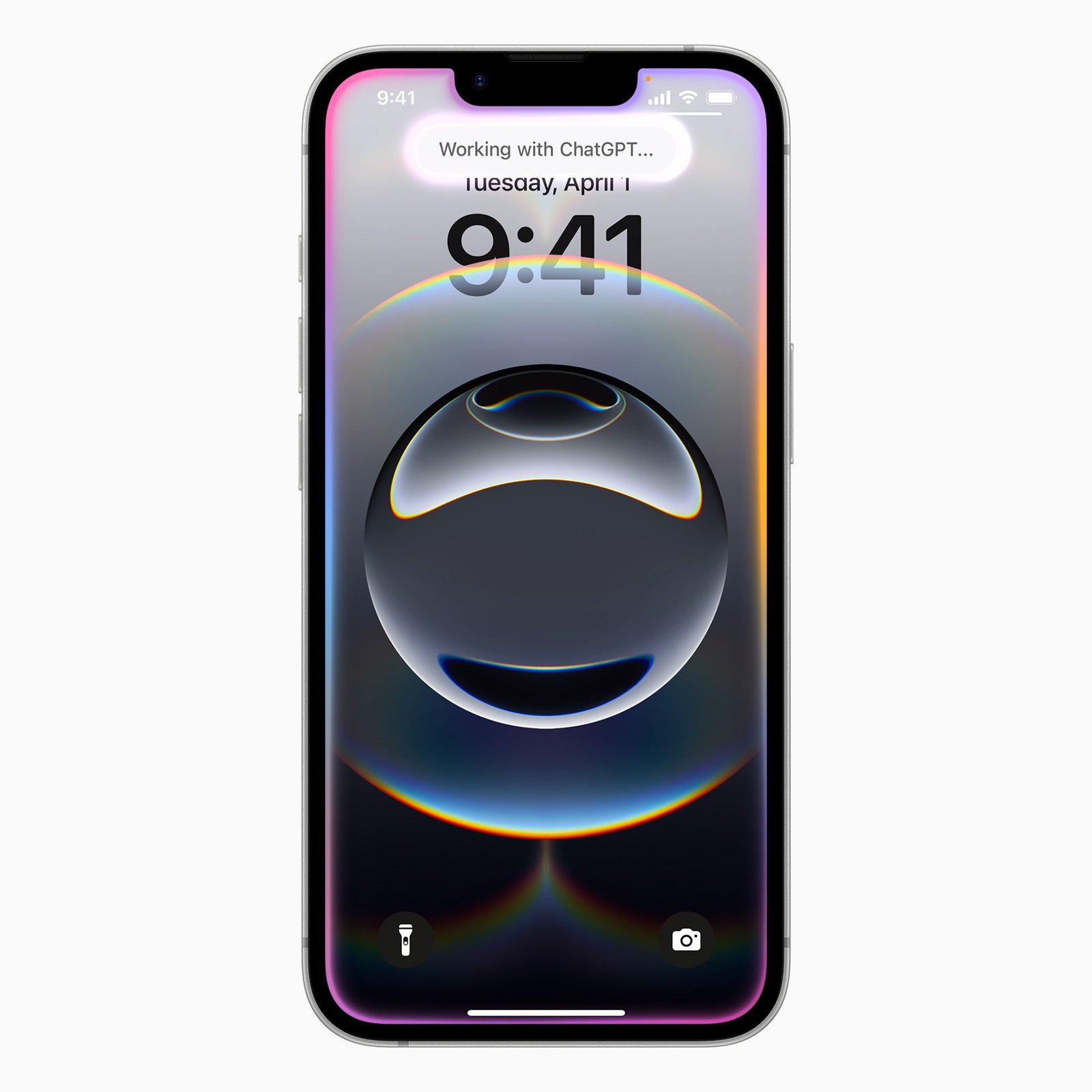
Apple iPhone 16e
The iPhone 16e is an excellent choice for seniors who prefer Apple’s simple ecosystem. It offers a bright display, Face ID, excellent battery life, and an intuitive interface.
Accessibility features such as VoiceOver, Magnifier, Live Speech, and Emergency SOS make it particularly suitable for older users.
Best for: Seniors already familiar with Apple devices.
Source: Apple
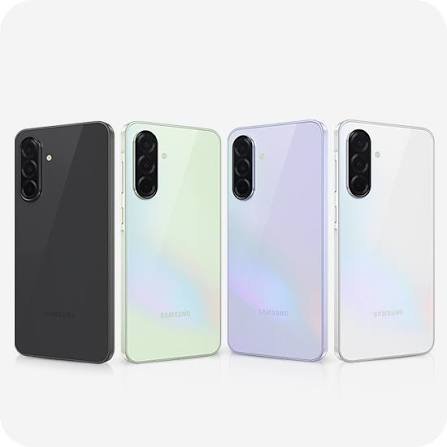
Samsung Galaxy A36
Samsung’s Galaxy A36 combines affordability with ease of use. It features a large AMOLED display, excellent battery life, and Samsung’s Easy Mode, which enlarges icons and simplifies the home screen.
Its reliable performance is ideal for calling, messaging, browsing, and video chatting.
Best for: Android users seeking simplicity.
Source: Samsung
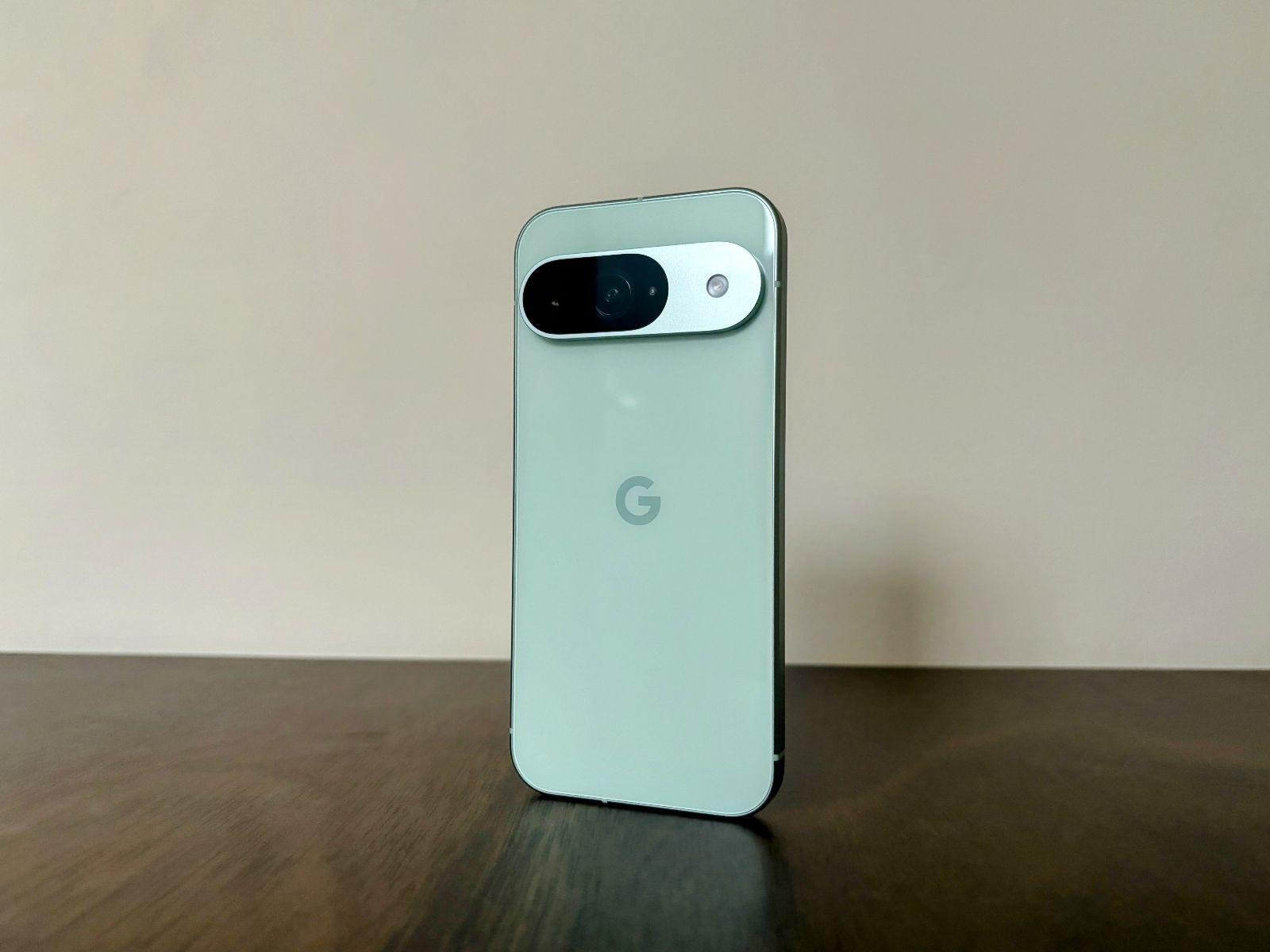
Google Pixel 9a
Google’s Pixel 9a provides one of the cleanest Android experiences available. The interface is uncluttered, while Google’s voice assistant makes everyday tasks remarkably easy.
Users can simply ask Google Assistant to make calls, send texts, set reminders, or check the weather.
Best for: Seniors who appreciate voice commands.
Source: Business Standard
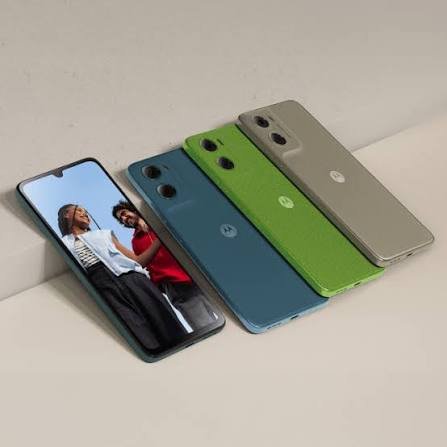
Motorola Moto G Power
The Moto G Power remains one of the most practical budget smartphones available. Its standout feature is exceptional battery life, often lasting up to two days with moderate usage.
The phone also offers a near-stock Android interface that’s easy to understand.
Best for: Budget-conscious buyers.
Source: Motorola IN
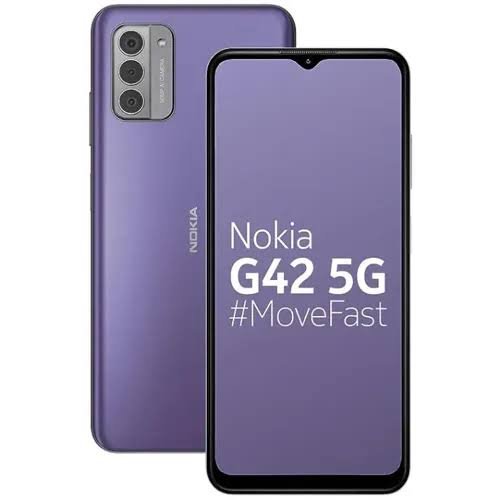
Nokia G42
Known for reliability, the Nokia G42 features a sturdy design, clean software, and dependable performance. Its large display and simple interface make it an attractive option for seniors who primarily use their phone for communication.
Best for: Everyday users who value durability.
Source: Cashify
Smartphone Tips for Seniors that Help!
After choosing your smartphone from Easy smartphones for seniors, you should spend some time configuring the settings, which would greatly enhance your experience.
Here is what you should do:
- Set up a larger font size for easier reading.
- Use the dark mode for less eye strain.
- Put your contacts on the home screen.
- Activate emergency SOS features.
- Utilize voice assistants for hands-free convenience.
- Uninstall extra applications that can confuse.
- Set up a louder ringtone and notification volume.
All those small steps will make the experience more comfortable and pleasant for you.
Summing it Up!
Selecting an appropriate smartphone does not necessarily require much effort on your part. It should be a device that ensures effective communications and performance, but more importantly, it should provide useful functions rather than complicate your everyday life.
It could be any one of the Apple iPhone 16e, Samsung Galaxy A36, Google Pixel 9a, Motorola Moto G Power, or even Nokia G42. All of them offer an intuitive interface tailored specifically to ensure easy and safe usage by seniors.
When selecting Easy smartphones for seniors, it is better to focus on such elements as simplicity, usability, battery life, and clear voice rather than additional luxury components.