
Best Laptop for College Students
Choosing a laptop is among the most crucial decisions a college student has to make. From attending online classes to writing assignments, coding, and video editing, the right laptop reduces effort and increases productivity.
Given the wide range of laptops available, knowing the best laptop for college students can be difficult. Some students need a laptop for taking notes, while others may require a device with considerable hardware power for engineering applications, programming, video editing, or graphic design.
After thoroughly examining the latest laptop models, expert reviews, battery life, display features, and real-world practicality, we’ve developed a list of the best laptops for college in 2026.
What Should College Students Look for in a Laptop?
Before buying, focus on these essential features:
Processor
Choose a modern processor for smooth multitasking.
Recommended options include:
- Intel Core Ultra 5 or Ultra 7
- AMD Ryzen 5 8640HS or Ryzen 7 8840HS
- Apple M4 chip
These processors easily handle productivity apps, coding software, video conferencing, and light editing.
RAM
Recommended memory:
- Minimum: 16GB
- Ideal: 16GB or 32GB for engineering and creative courses
More RAM allows smoother multitasking and better performance with demanding applications.
Storage
An SSD is essential.
Recommended:
- 512GB SSD minimum
- 1TB SSD for creative professionals and engineering students
Display
A good display reduces eye strain during long study sessions.
Look for:
- Full HD or higher resolution
- IPS or OLED panel
- Anti-glare coating
- 14-inch or 15-inch screen
Battery Life
Students spend long hours on campus, so choose a laptop that offers at least 8–10 hours of real-world battery life.
Best Laptops for College Students in 2026
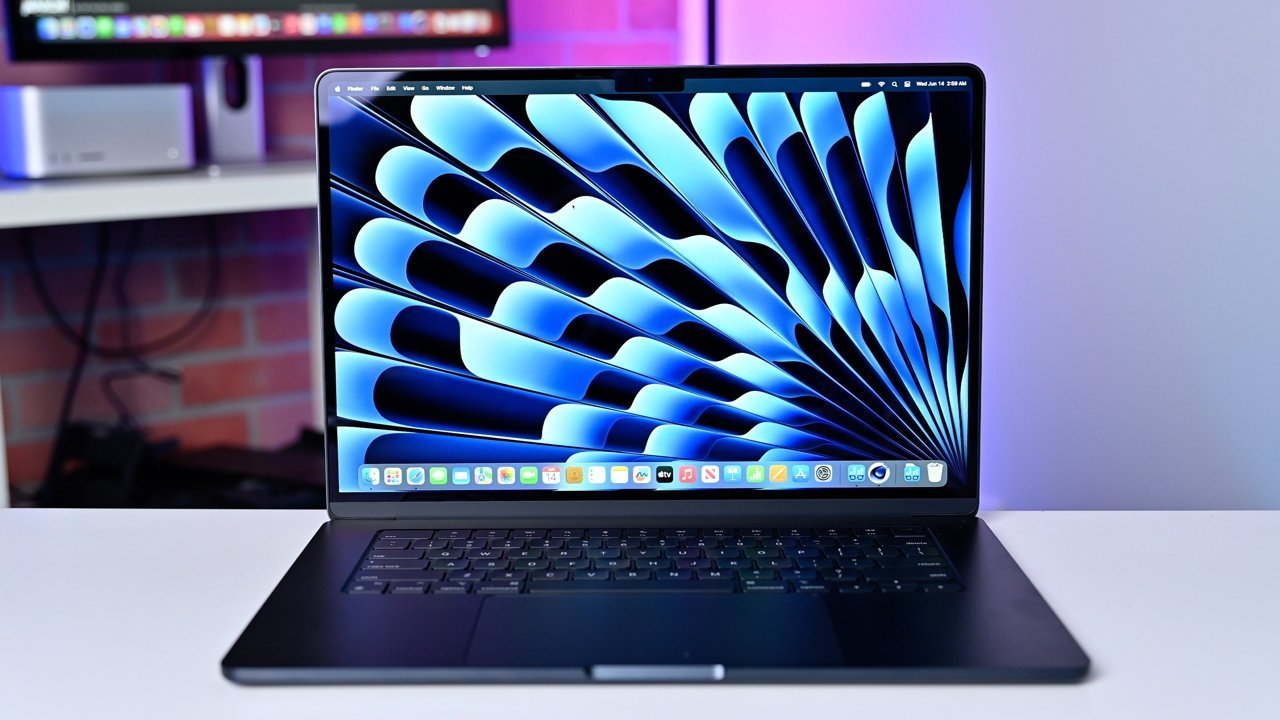
Apple MacBook Air M4
The MacBook Air continues to be one of the best student laptops thanks to its excellent battery life, lightweight design, and powerful Apple Silicon processor.
Key Features
- Apple M4 processor
- Lightweight aluminum body
- Outstanding battery life
- Silent fanless design
- Excellent Retina display
Best For: Business, arts, management, law, journalism, and computer science students (except those requiring Windows-only software).
Source: AppleInsider
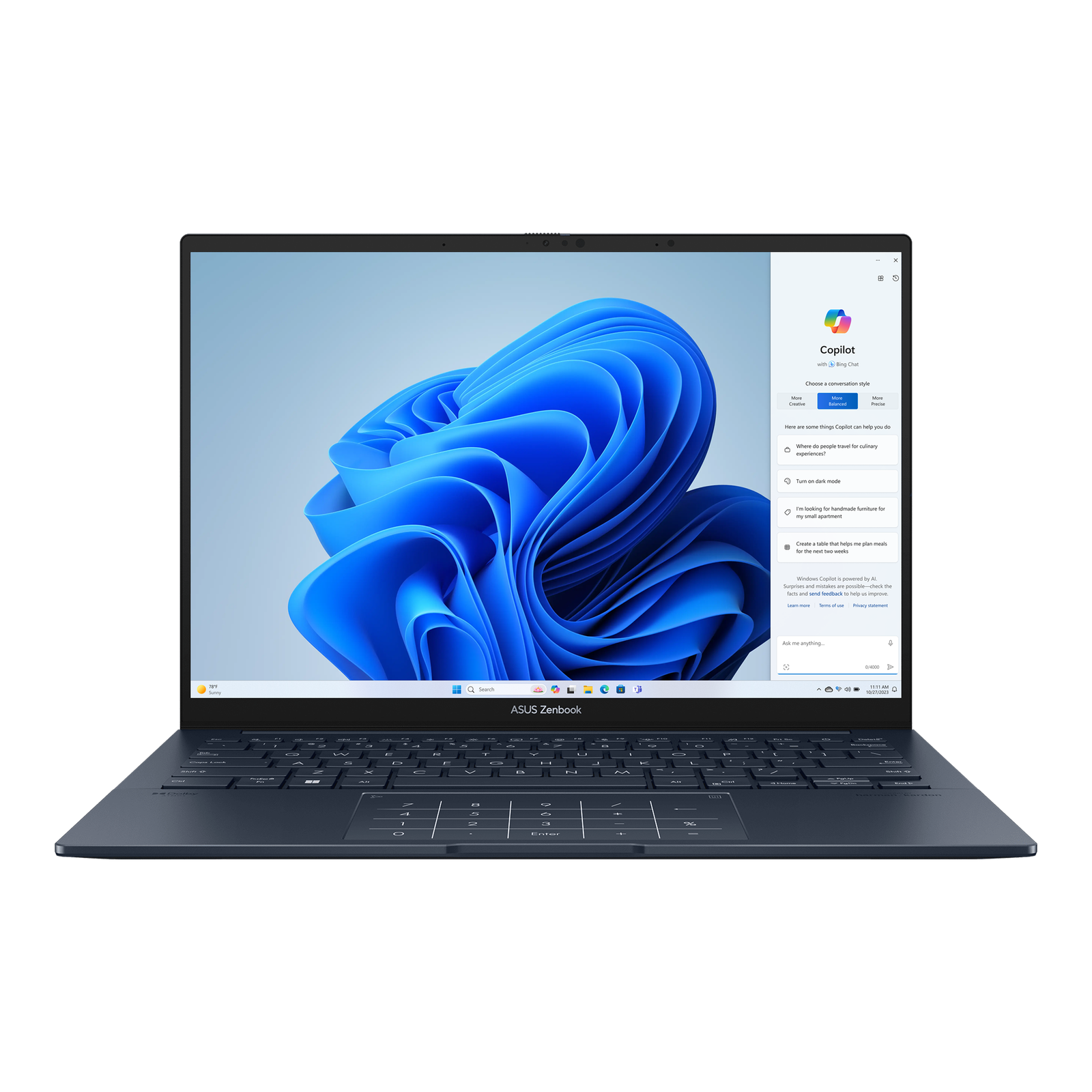
ASUS Zenbook 14 OLED
The Zenbook 14 OLED combines portability with premium features, making it an excellent all-around choice.
Key Features
- Intel Core Ultra processor
- OLED display
- Lightweight chassis
- Fast SSD
- Excellent keyboard
Best For: Everyday college use, presentations, and content consumption.
Source: ASUS
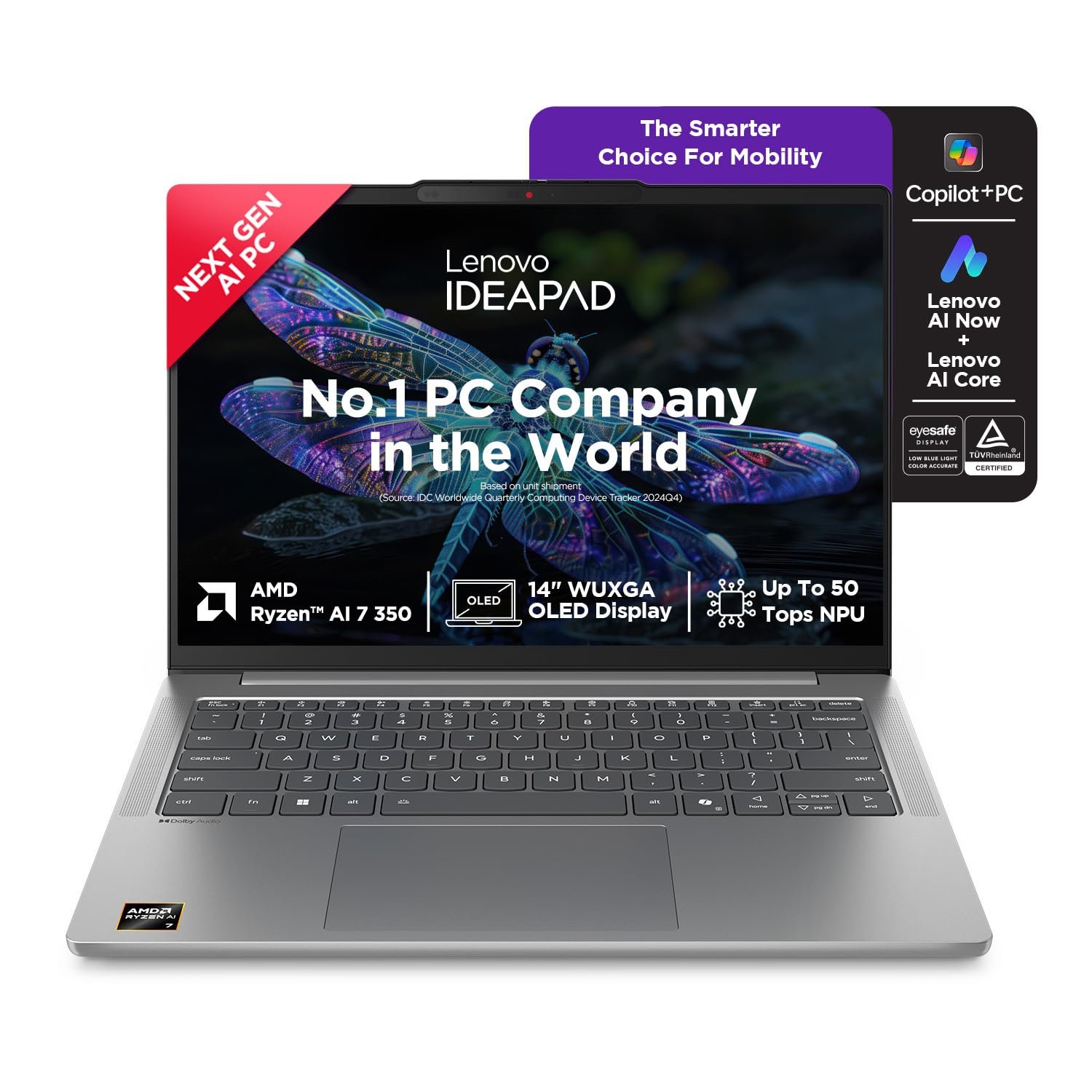
Lenovo IdeaPad Slim 5
The IdeaPad Slim series offers outstanding value with solid performance and dependable build quality.
Key Features
- AMD Ryzen processor
- Full HD display
- Comfortable keyboard
- Long battery life
- Affordable pricing
Best For: Students looking for the best value.
Source: Amazon.in
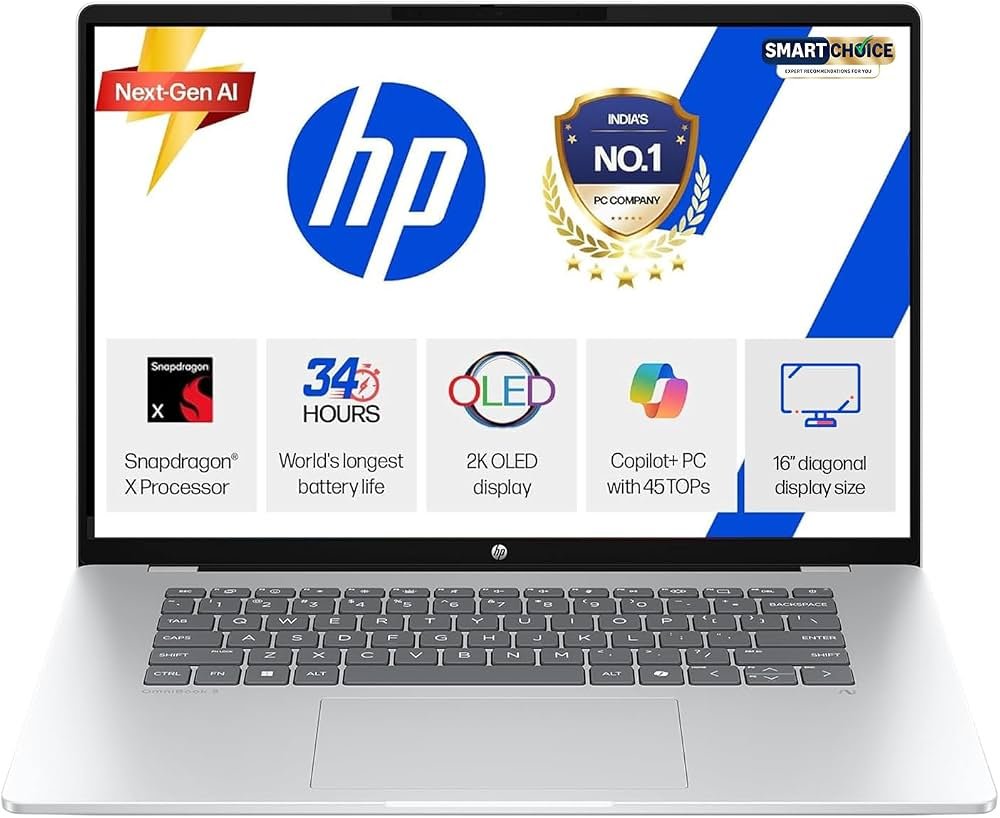
HP OmniBook 5
HP’s latest OmniBook series focuses on portability and AI-powered productivity features.
Key Features
- Intel Core Ultra processor
- Premium build
- Excellent webcam
- Good battery backup
- Fast charging
Best For: Online classes and productivity.
Source: Amazon.in
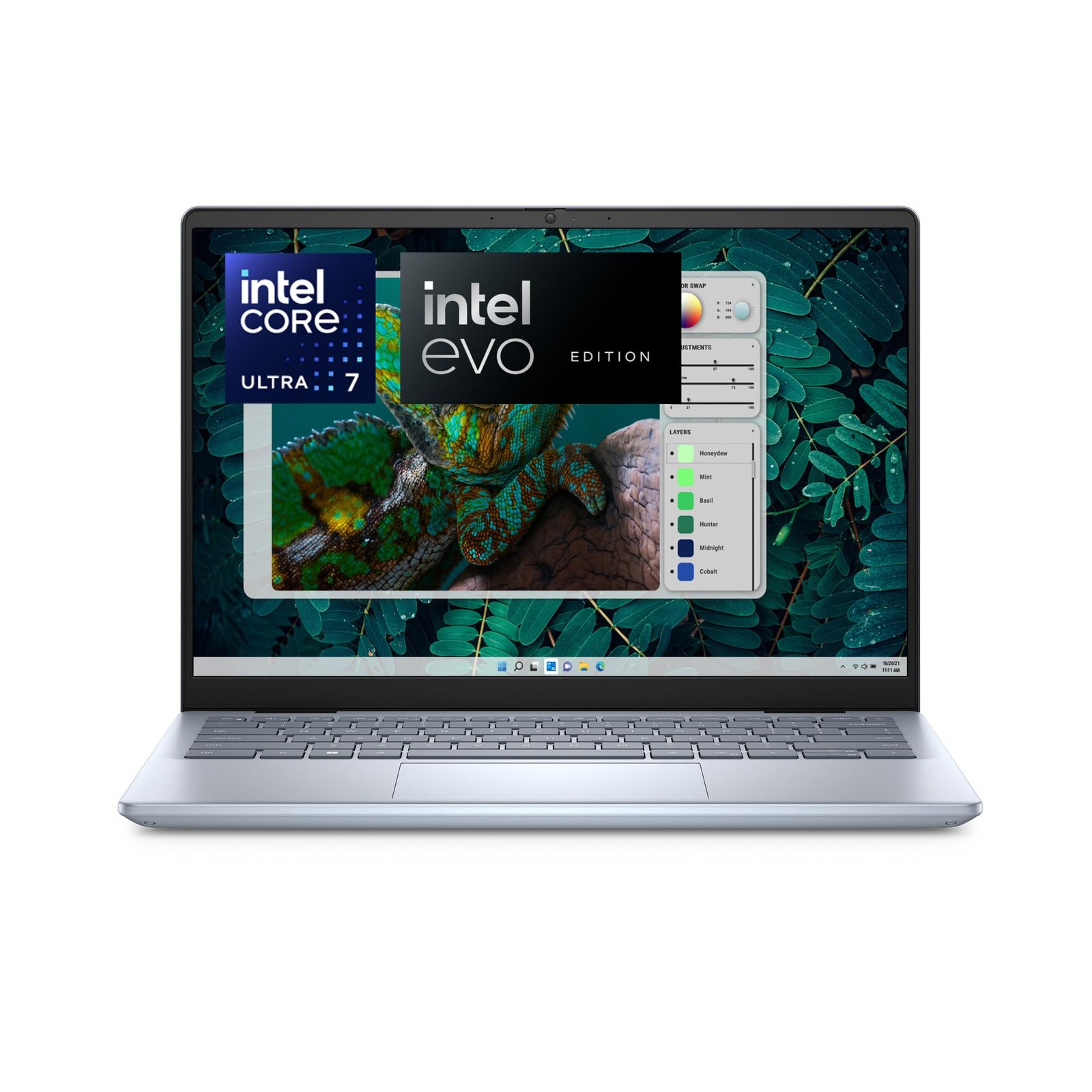
Dell Inspiron 14 Plus
Dell’s Inspiron lineup offers dependable performance and excellent build quality.
Key Features
- Intel Core Ultra processor
- Bright display
- Comfortable keyboard
- Good speakers
- Reliable performance
Best For: Business and commerce students.
Source: Amazon.in
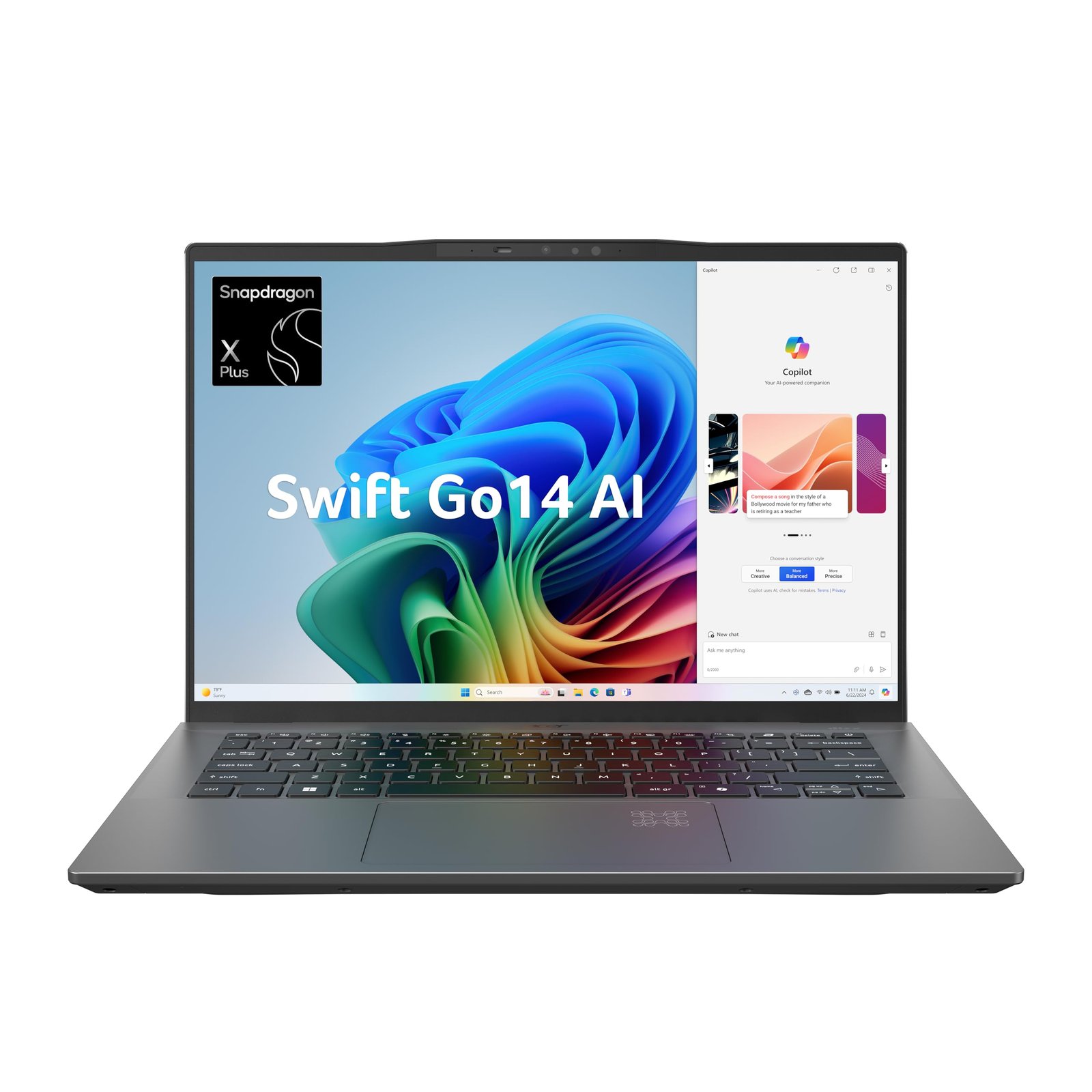
Acer Swift Go 14 AI
Acer delivers a premium experience at a competitive price.
Key Features
- OLED display
- Intel Core Ultra processor
- Lightweight design
- AI-ready hardware
- Fast SSD
Best For: Students who travel frequently.
Source: Amazon.in
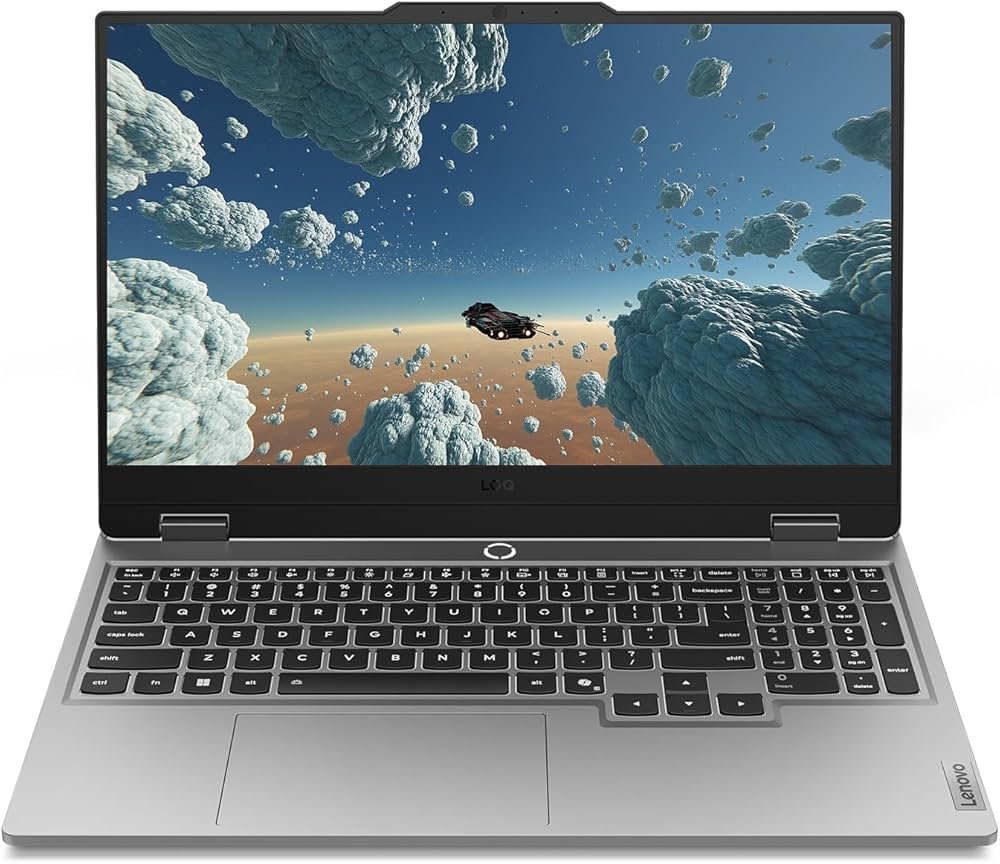
Lenovo LOQ 15
Students pursuing engineering, architecture, animation, or game development often need more powerful hardware.
Key Features
- Intel Core i5 HX processor
- NVIDIA RTX graphics
- 144Hz display
- Upgradeable RAM
- Excellent cooling
Best For: Engineering and design students.
Source: Amazon.in
Best Laptop by Course
Engineering Students
Recommended:
- Lenovo LOQ 15
- ASUS Zenbook 14 OLED
These laptops can handle AutoCAD, MATLAB, SolidWorks, and programming tools.
Computer Science Students
Choose laptops with:
- 16GB RAM
- Modern processor
- Comfortable keyboard
- Good battery life
The MacBook Air M4 and ASUS Zenbook 14 OLED are excellent choices.
Business & Commerce Students
Prioritize portability and battery life.
Recommended:
- Dell Inspiron 14 Plus
- HP OmniBook 5
Graphic Design & Content Creation
Look for:
- OLED display
- Powerful processor
- Dedicated GPU (if required)
The Lenovo LOQ 15 is a great option for creative workloads.
Buying Tips
Before making a purchase:
- Choose at least 16GB RAM.
- Buy a laptop with a 512GB SSD or larger.
- Prioritize battery life if you carry your laptop to campus daily.
- Look for a comfortable keyboard and a quality webcam.
- Check the warranty and service network.
- Avoid buying outdated processors, even if they’re heavily discounted.
Frequently Asked Questions
Do college students need 8GB RAM?
8GB of RAM may be adequate for basic computing tasks, but going for a laptop with at least 16GB of RAM would guarantee smooth performance when carrying out multiple tasks at once.
Which screen size is suitable for students?
14 inches is the ideal screen size for a laptop meant for students because of the comfort it gives while keeping portability. A 15.6-inch laptop is also good for those looking for large-screen laptops.
Should students consider buying gaming laptops?
Gaming laptops are only suitable if a student studies courses related to engineering, 3D designs, animation, AI, or gaming. Otherwise, a modern ultrabook should be the choice.
Is the MacBook right for college students?
Students studying business, arts, media, programming, or general studies should find the MacBook valuable but ensure that the software they intend to use is compatible with MacBooks before purchasing one.
Final Thoughts
Choosing the best laptop for college students depends on your course, budget, and daily workload. For most students, the Apple MacBook Air M4 offers the perfect combination of performance, battery life, and portability. The ASUS Zenbook 14 OLED and Lenovo IdeaPad Slim 5 provide excellent value for Windows users, while the HP OmniBook 5, Dell Inspiron 14 Plus, and Acer Swift Go 14 AI are ideal for productivity and campus use. Engineering and creative students who need extra graphical power should consider the Lenovo LOQ 15.
Before making your decision, prioritize a modern processor, 16GB of RAM, SSD storage, a comfortable keyboard, and long battery life. A well-chosen laptop will not only support your academic journey but also remain reliable throughout your college years and beyond.