
Best Laptops For Coding
Whether you are engaged in website construction, mobile applications development, artificial intelligence systems creation, or numerous programming tasks, the correct laptop is needed for enhancement in productivity. The latest development programs, such as Docker, Android Studio, Visual Studio Code, IntelliJ IDEA, and others require high productivity devices to work efficiently.
A laptop for programmers does not need to be expensive. More important is the performance and portability, functionality of the keyboard and properties of the display.
We compiled this list of the best laptops for programming according to professional reviews, recommendations from coders, and technical data comparison of numerous devices.
What Makes a Good Laptop for Coding?
Before buying a programming laptop, consider these key specifications:
Processor
A modern multi-core processor ensures smooth compilation, multitasking, and virtualization.
Recommended options include:
- Intel Core Ultra 7 or Ultra 9
- AMD Ryzen AI 7 or AI 9
- Apple M4 or M4 Pro chips
RAM
Memory is critical for developers.
Recommended:
- Minimum: 16GB
- Ideal: 32GB
- Professional workloads: 64GB
More RAM helps when running multiple IDEs, Docker containers, emulators, or virtual machines.
Storage
Choose an SSD for faster boot times and application loading.
Recommended capacity:
- 512GB SSD (minimum)
- 1TB SSD (recommended)
Display
A sharp display reduces eye strain during long coding sessions.
Look for:
- 14–16-inch screen
- 2.5K or higher resolution
- IPS, OLED, or mini-LED panel
- Anti-glare coating
Keyboard
A comfortable keyboard is essential since developers spend hours typing every day.
Prioritize:
- Good key travel
- Backlit keys
- Spacious layout
- Responsive trackpad
Best Laptops for Coding in 2026
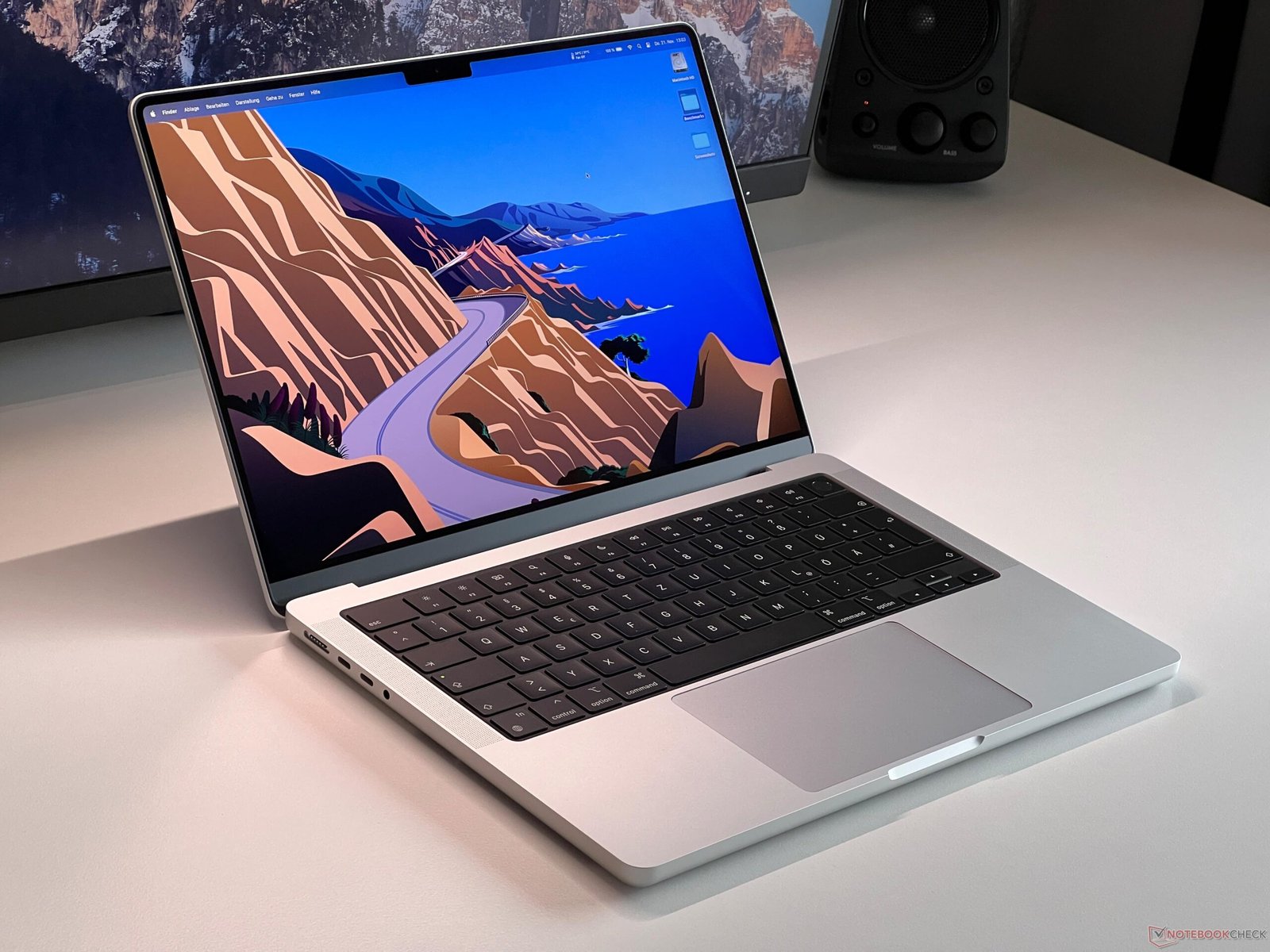
Apple MacBook Pro 14 (M4 Pro)
The MacBook Pro remains one of the most popular laptops among professional developers thanks to its outstanding performance, battery life, and display quality. Reviews consistently praise the M4 Pro chip for software development, compiling code, and handling demanding workloads. (Tom’s Guide)
Key Features
- Apple M4 Pro processor
- Liquid Retina XDR display
- Exceptional battery life
- Silent operation
- Premium keyboard and trackpad
Best For: iOS, macOS, full-stack, AI, and backend developers.
Source: NotebookCheck
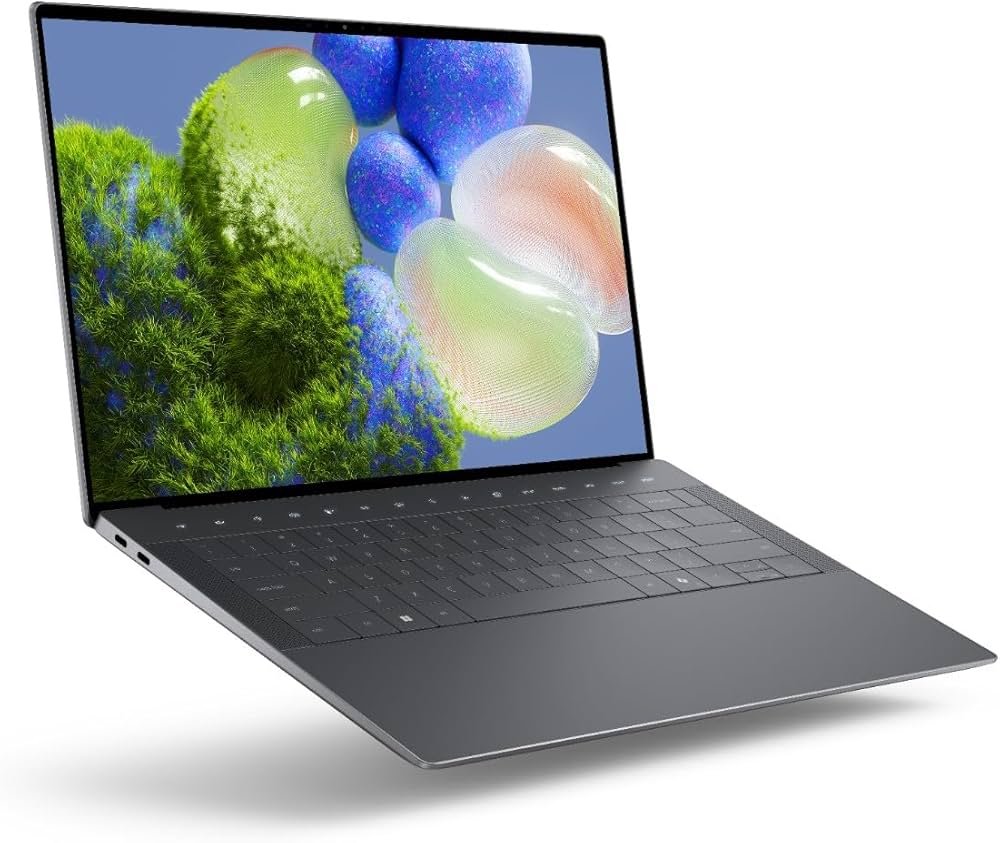
Dell XPS 14
Dell’s XPS lineup continues to be a favorite among Windows developers for its premium build and excellent display.
Highlights
- Intel Core Ultra processor
- OLED display option
- Excellent keyboard
- Premium aluminum chassis
- Lightweight design
Best For: Windows development and productivity.
Source: Amazon.in
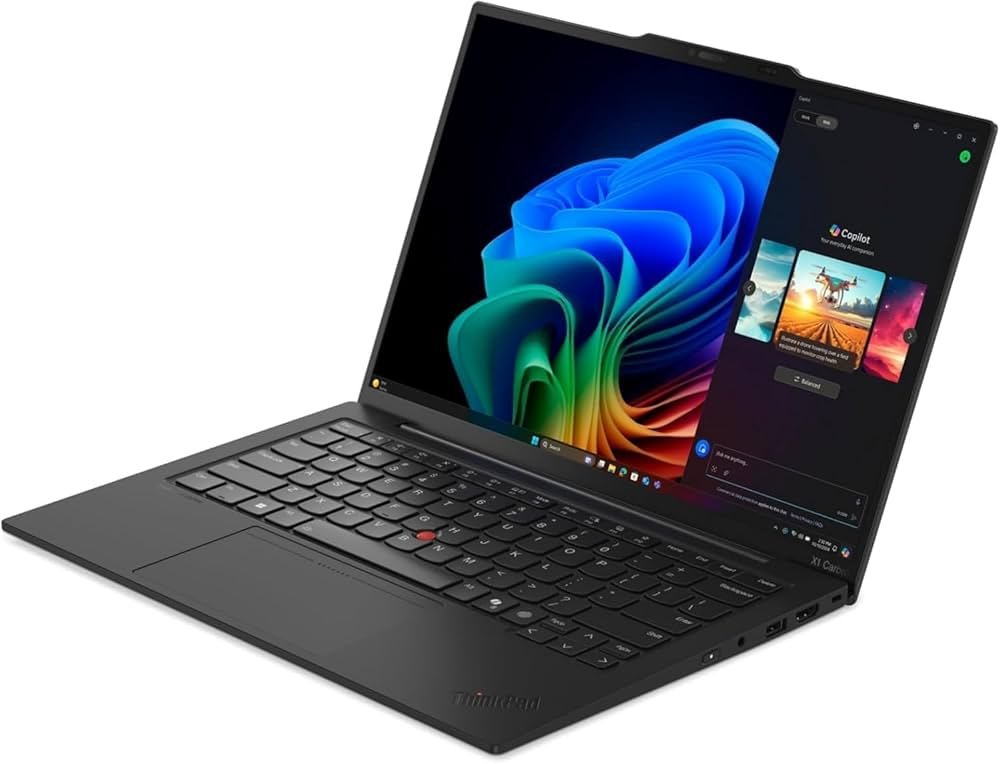
Lenovo ThinkPad X1 Carbon Gen 13
ThinkPads remain the gold standard for coding due to their industry-leading keyboards and durability.
Highlights
- Comfortable keyboard
- Lightweight
- Excellent Linux compatibility
- Long battery life
- Enterprise-grade security
Best For: Professional programmers and Linux users.
Source: Amazon.in
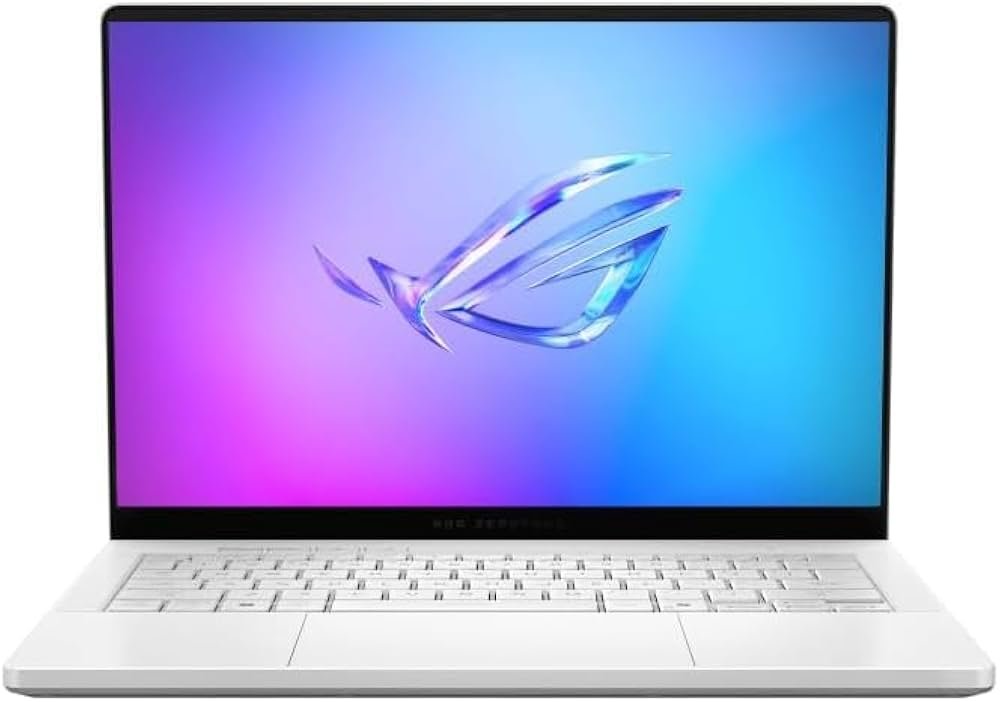
ASUS ROG Zephyrus G14
Developers who also game or work with AI, machine learning, or GPU-intensive applications will appreciate the Zephyrus G14.
Highlights
- AMD Ryzen AI processor
- NVIDIA RTX graphics
- High-refresh-rate display
- Powerful cooling
- Excellent performance
Best For: AI, game development, and graphics programming.
Source: Amazon.in
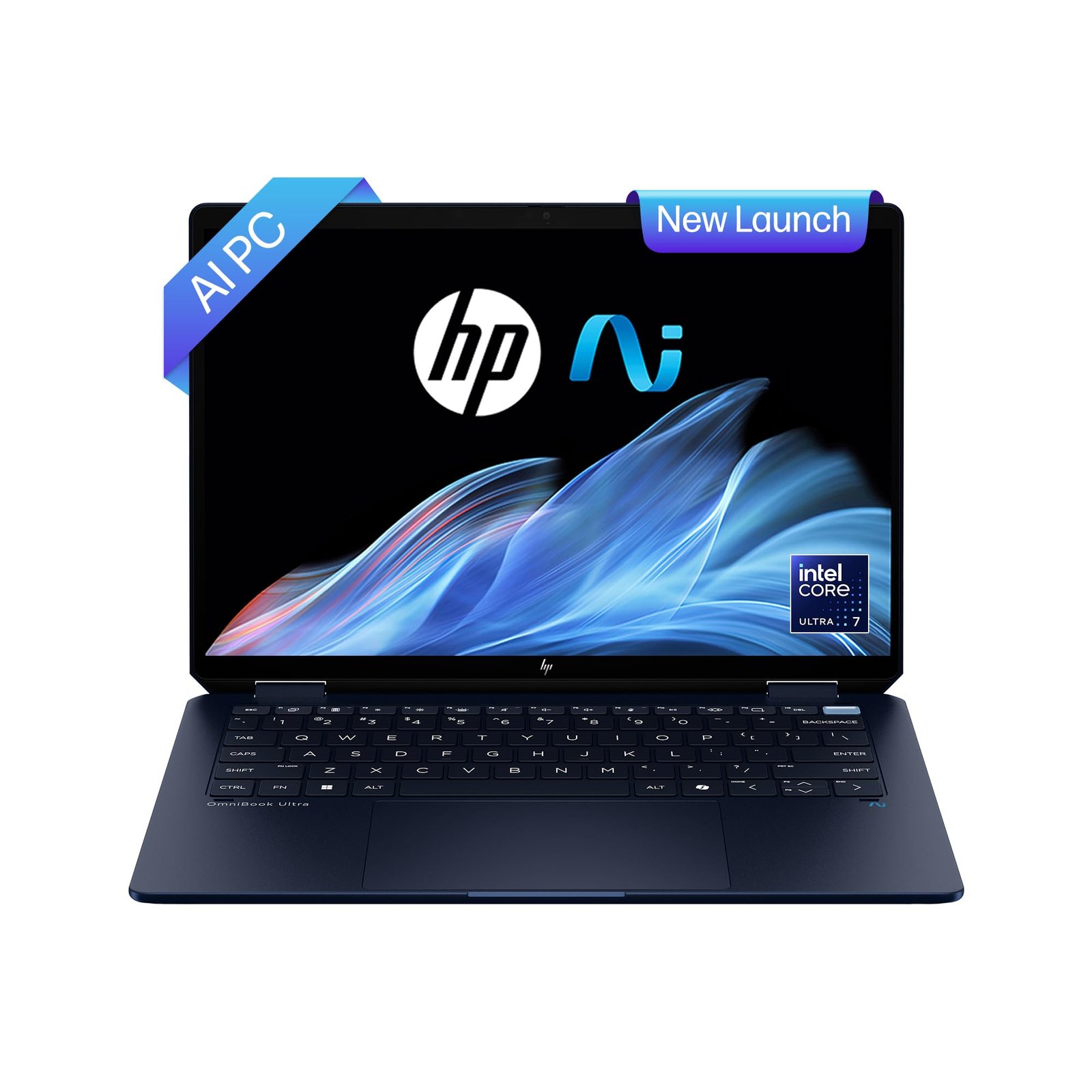
HP OmniBook Ultra
HP’s latest premium ultrabook combines portability with strong AI-focused performance.
Highlights
- Ryzen AI processor
- Lightweight design
- Excellent battery
- Bright display
- Comfortable keyboard
Best For: Students and mobile developers.
Source: Amazon.in
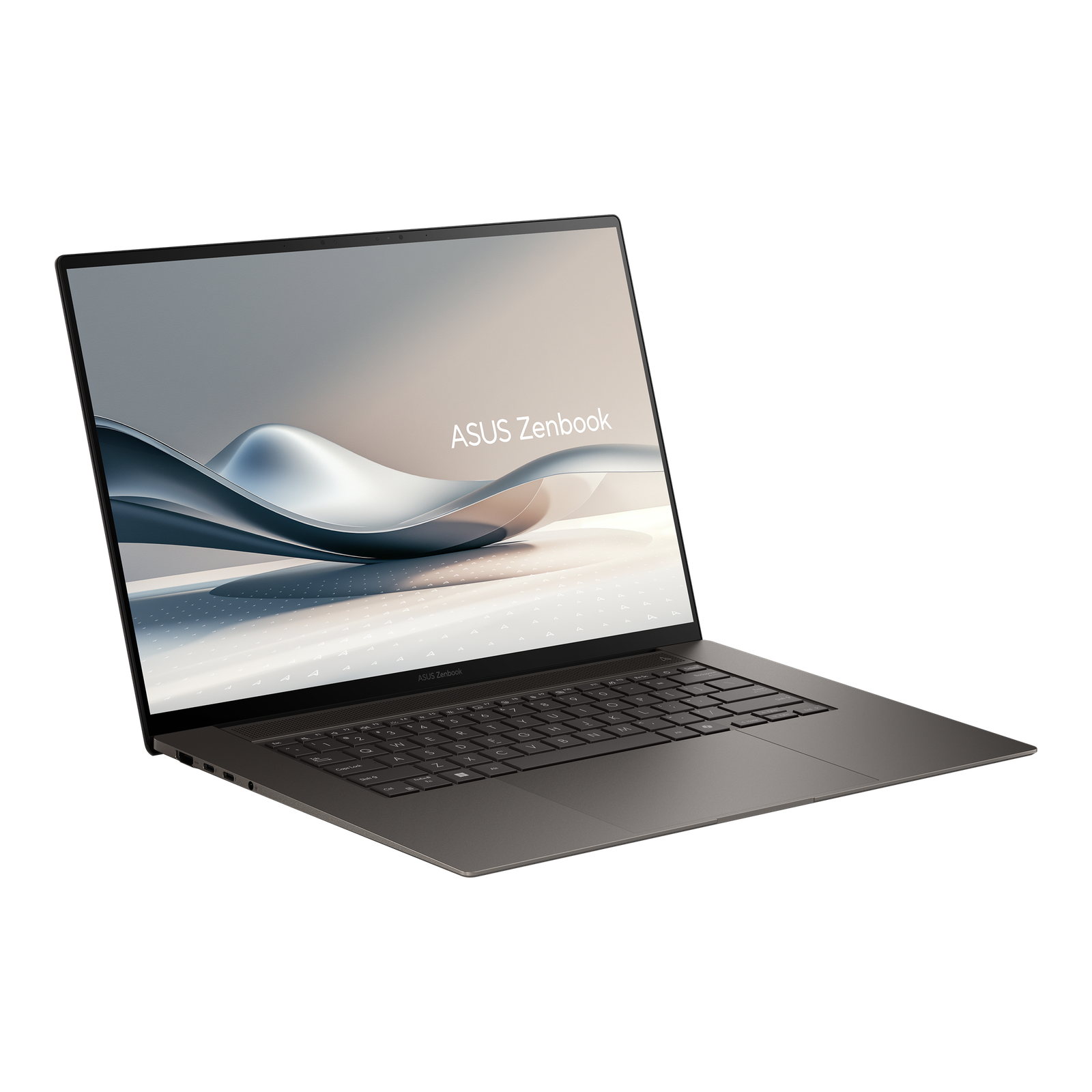
ASUS Zenbook S16
The Zenbook S16 offers an excellent OLED display and premium performance for coding and multitasking.
Highlights
- OLED display
- Ryzen AI processor
- Slim design
- Fast SSD
- Excellent battery life
Best For: Developers who value display quality.
Source: ASUS
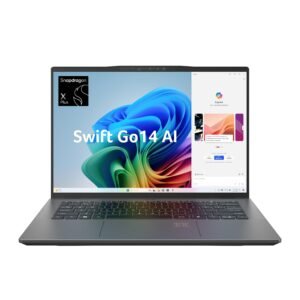
Acer Swift Go 14 AI
For buyers looking for value, the Swift Go delivers modern hardware without a premium price tag.
Highlights
- Intel Core Ultra processor
- OLED display
- Lightweight chassis
- AI-ready hardware
- Affordable pricing
Best For: Students and beginner programmers.
Source: Amazon.in
Best Laptop Based on Programming Needs
Web Development
Recommended options:
- Dell XPS 14
- MacBook Pro 14
- Lenovo ThinkPad X1 Carbon
These laptops run VS Code, Node.js, Docker, Git, and browsers without any hassle.
Mobile App Development
For Android development, you should opt for a laptop with more RAM. Ideally, opt for a laptop with a high-performance CPU that can handle Android Studio and emulators as well.
In the case of iOS development, you would require a MacBook because Xcode is only available on macOS.
AI and ML
In case you’re planning to train or test ML models locally, go for laptops with dedicated GPUS such as ASUS ROG Zephyrus G14.
Data Science
Look for the following specifications to enhance performance while working with Python, R, Jupyter Notebooks, and large datasets:
- 32GB RAM
- Powerful multi-core CPU
- Large SSD
- Dedicated GPU (optional)
Buying Tips
Before purchasing:
- Choose at least 16GB RAM.
- Prefer a 1TB SSD if your budget allows.
- Invest in a comfortable keyboard.
- Consider battery life if you travel frequently.
- Check Linux compatibility if you plan to use it.
- Prioritize a modern processor over unnecessary features.
- Read long-term reliability reviews before making a decision.
Frequently Asked Questions (FAQs)
Does coding require 8GB of RAM?
Yes, but 16GB is recommended for contemporary IDEs, browsers, Docker, and multitasking.
Do programmers require a GPU?
It is not always necessary. For most web, backend, and software development activities, the CPU is sufficient. However, in the case of AI, machine learning, 3D development, or game development, the GPU comes in handy.
What is the best operating system for coding?
Windows, macOS, and Linux are all great operating systems. However, your selection depends on your technology stack and selected tools.
How much space should a coding computer have?
512GB SSD is the minimum recommendation while 1TB would allow more projects, VMs, and development tools.
Final Thoughts!
When it’s about finding the right laptop for coding, your choice will depend on the development processes you use, the operating system you like, and the budget you have. Although the Apple MacBook Pro 14 (M4 Pro) remains the most popular option for business developers thanks to its performance and battery life, the Dell XPS 14 and Lenovo ThinkPad X1 Carbon are the best options for Windows-based developers. Those who use AI and gaming development tools should opt for the ASUS ROG Zephyrus G14 with its high-performance graphics, while students should consider the HP OmniBook Ultra, ASUS Zenbook S16, and Acer Swift Go 14 AI.
Before you buy a laptop, you should keep in mind the processor speed, at least 16GB of RAM, SSD storage, comfortable keyboard, and excellent display.